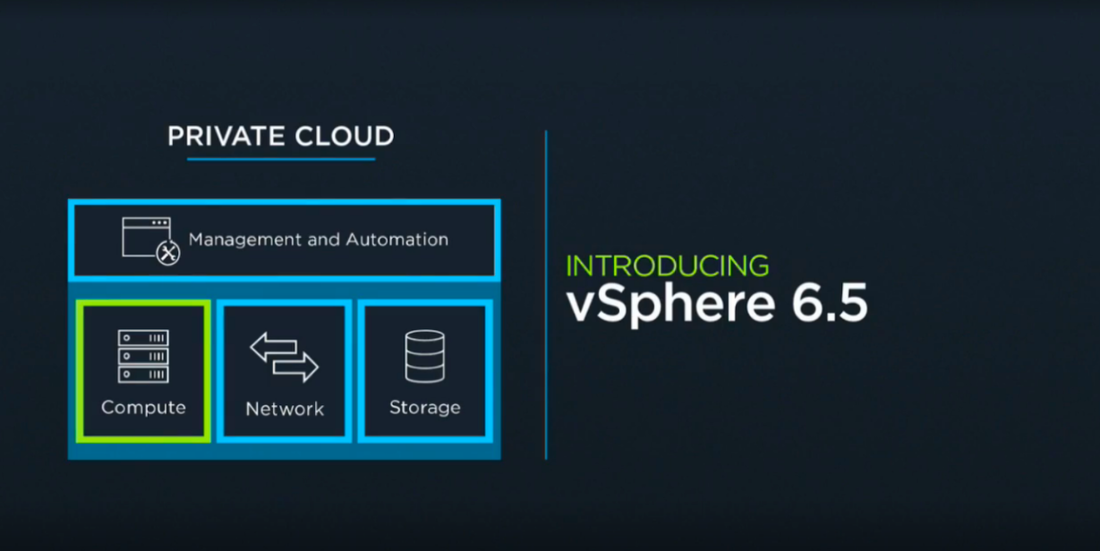
 Today VMware announced vSphere 6.5 at VMworld Europe 2016, the latest version of its industry-leading virtualization platform. New Features:
The vCenter Server Appliance becomes the core component of the new vSphere environment. The new appliance brings easy deployment and reduces the complexities of managing a vSphere environment by combining the vSphere Update Manager and introduces file-backup and recovery natively with VCSA High Availability. As a side note vSphere HA has been renamed to vSphere Availability inside the client and instead of having one long settings page for vSphere HA, it has now been divided up into multiple sub-pages and organized by the function that the setting is for. You will now see ‘Failures and Responses’, ‘Proactive HA Failures and Responses’, ‘Admission Control’, ‘Heartbeat Datastores’, ‘Advanced Options’.  You no longer need to have a Windows VM to deploy and run the Update Manager which can save on Microsoft licenses while reducing complexities. VMware is also touting 3x in performance optimizations and upgrading to this new version will be made easier with the new vCenter Server Appliance Migration tool. vSphere 6.5 introduces new REST-based APIs for VM Management which brings better automation of virtual machines while improving both the user and partner experience. Yes it is finally here, the highly anticipated new HTML5-based vSphere Client which provides a more responsive and easy to use interface. This update has been made available as part of a Fling on VMware Labs. If you haven't tested it out follow the link and take it for a spin. In a world with increasing security threats, VMware has taken further steps to ensure increased security in the new vSphere 6.5 environment. In vSphere 6.5 VMware introduces VM-level disk encryption. This gives the ability to encrypt a VM disk regardless of OS and combined with the new Encrypted vMotion capability, vSphere can safe-guard your data at-rest and data in-motion. These new features will be appealing to those looking to migrate loads between on-prem and off-prem data centers in a secure fashion. The new encryption feature is designed to protect against unauthorized access. 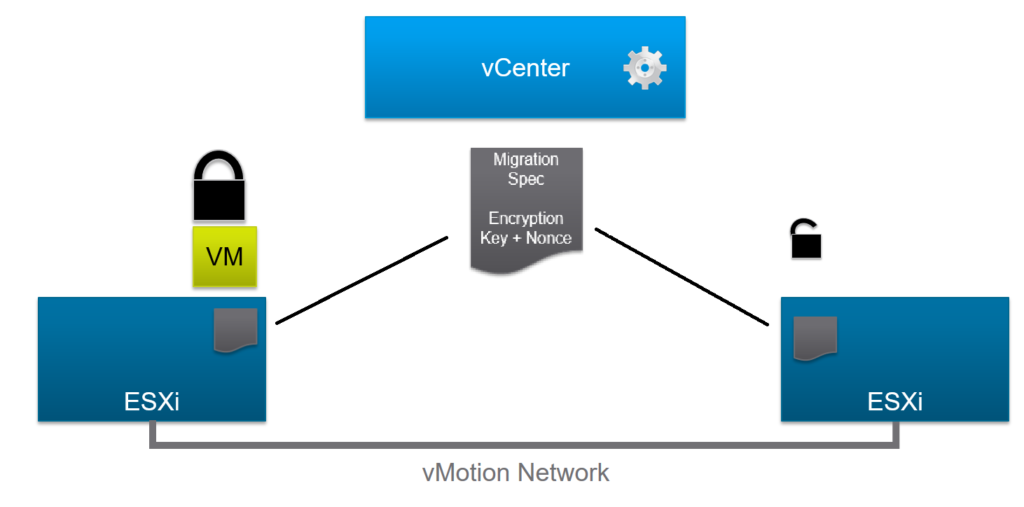 To further protect the environment in vSphere 6.5, VMware introduced secure boot which protects both hypervisor and guest OS. This will address security issues around images from be tampered with and denying unauthorized access and prevent the loading of unauthorized components into vSphere environments.
For those that require further security needs around auditing vSphere 6.5 brings enhanced audit-quality logging capabilities. These forensic logs can help determine who did what, when and where. VMware is realizing, that with more competitors and with more and more software start ups in the containers arena, the importance of supporting containers, ie. their own. VMware knows that the world of traditional and next-generation apps need infrastructure that will scale, perform and allow for high availability. In this new release VMware delivers vSphere Integrated Containers, which allows for the deployment of containers in a vSphere environment for infrastructure needs. This means you can deploy containers in your environment without the need to re-architect your infrastructure. The new containers environment contains three components - the Engine providing core container run-time, Harbor a registry for container images, and Admiral which is the portal for management. vSphere Integrated Containers provides a Docker-compatible interface to app teams and of course is completely compatible with NSX and vSAN. The VMware vSphere Integrated Containers new feature of vSphere 6.5 will be available for vSphere Enterprise Plus Edition customers at no additional charge. Pricing for vSphere starts at $995 per CPU. vSphere 6.5 is the foundation for the new partner announcement between VMware and AWS continuing the cloud strategy of any cloud, any application and any device. Of course this is all integrated with the new Cloud Foundation announced by VMware in Vegas at Vmworld 2016. To learn more about this announcement read the news release. For more information on the AWS partnership check out this article.
1 Comment
Dennis Faucher
10/19/2016 04:07:07 am
Awesome write up. The encryption and container features are very compelling. Looking forward to the release of AWS features. Your comment will be posted after it is approved.
Leave a Reply. |
Recognition

Categories
All
Archives
June 2024
|

 RSS Feed